Why Students Need Fewer Digital Choices, Not More Tools
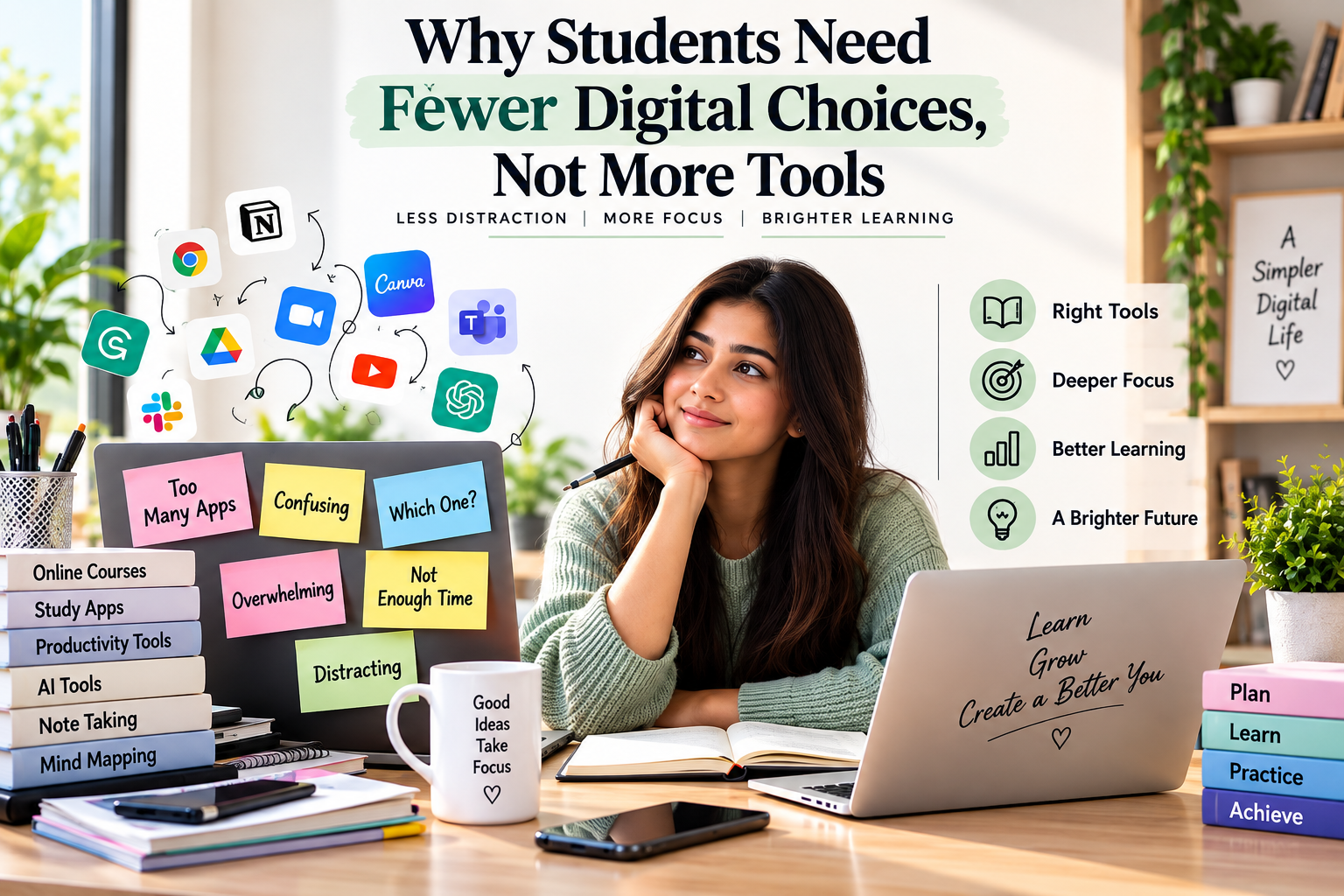
Students have more ways to learn than ever, but digital choice overload for students is becoming a real problem. AI tutors, study apps, videos, flashcards, note-taking tools, online courses, and productivity platforms are everywhere. What looks like freedom can quickly become overwhelming.
Think about a student sitting down to study. They open their textbook, search online for an explanation, ask AI for help, watch a video, switch to a note app, create flashcards, and then get distracted by a notification. Before they realize it, more time has gone into choosing and switching between tools than actually learning.
Technology should make learning easier, not harder.
Students don’t need another app every time they face a challenge. They need the right tools, fewer distractions, and more time to focus.
Sometimes, better learning doesn’t mean adding more technology. It means knowing what to leave out.
Key Takeaway
Students don’t need more tools, they need the right tools. Too many apps can distract more than they help. Keep technology simple, purposeful, and focused on what actually supports learning.
What Is Digital Choice Overload for Students?
Digital choice overload happens when students have too many apps, platforms, and learning resources, making it harder to focus on studying.
For example, a student preparing for a biology exam might spend more time choosing AI tools, watching videos, creating flashcards, and searching for better apps than actually studying.
This creates decision fatigue, distraction, and unnecessary switching.
Technology should make learning easier, not make students spend more time managing how they learn.
As UNESCO’s Global Education Monitoring Report highlights, technology should be chosen based on students’ needs and learning goals, not simply because it is available.
More Tools Do Not Automatically Mean Better Learning
The education technology market often creates an understandable assumption:
More technology = better education.
But learning does not work like collecting apps.
A student does not necessarily become more productive because they have 15 study applications instead of three.
In fact, more choices can introduce new problems:
- More notifications
- More accounts and passwords
- More interfaces to learn
- More subscriptions
- More opportunities for distraction
- More time spent switching between platforms
- More decisions about what to use
- Less consistency in the learning process
The OECD’s research on digital devices and student success shows an important distinction: technology can support learning when it is used intentionally, while digital leisure and poorly managed device use can become significant sources of distraction.
The question, therefore, should not be:
“How many tools can students use?”
It should be:
“Which tools genuinely improve this learning task?”
The Hidden Cost of Constant Digital Switching
One of the biggest problems with having too many tools is switching.
A student may start writing an essay in one application, search for sources in another, check an AI assistant, open a notification, return to the research page and then switch back to the document.
Each individual action seems small.
Together, they can break concentration.
Tool switching creates friction
Every digital platform has its own:
- Interface
- Navigation system
- Notifications
- Settings
- Search functions
- File structure
- Login process
Students must repeatedly adjust to these environments.
This creates unnecessary friction around the actual learning task.
For example, a student writing a history assignment does not need five different writing tools simply because each has a slightly different feature.
They may need:
One place to write + one reliable research process + one appropriate support tool.
Simple systems are often easier to maintain.
Digital Distraction Is Not Just About Social Media
When we think about digital distraction, we usually blame social media, games, or messaging. But even educational technology can distract students.
A student can lose valuable study time by comparing AI tools, watching endless study-tip videos, switching between note-taking apps, searching for the “perfect” template, or checking learning notifications.
The problem is simple: being busy with technology is not the same as learning.
Technology should help students focus, not constantly give them something new to click, compare, or explore.
The answer isn’t to remove technology. It’s to use less of it, but use it with purpose.
My Opinion
I believe learning should feel less like managing apps and more like building understanding. Students don’t need to try every new tool. They need technology that helps them learn, think, and stay focused.
Fewer Tools Can Create Better Learning Habits
Consider two students.
Student A: The Tool Collector
Student A uses:
- Three AI assistants
- Two note-taking apps
- Two flashcard platforms
- Four productivity apps
- Several browser extensions
- Multiple educational video channels
- Different research tools
Every few days, they try something new.
Student B: The Focused Learner
Student B uses:
- One main learning platform
- One AI assistant when needed
- One note-taking system
- One practice method
- Their textbook or trusted course material
Student B does not necessarily have better technology.
But they have a more predictable learning environment.
| Approach | Many Digital Tools | Focused Toolset |
| Number of choices | High | Low |
| Switching | Frequent | Limited |
| Setup time | Higher | Lower |
| Distraction risk | Higher | Lower |
| Learning workflow | Constantly changing | Consistent |
| Skill development | Spread across tools | Concentrated |
| Long-term habit | Harder to maintain | Easier to maintain |
The second approach is not automatically perfect, but it creates fewer opportunities for technology to become the activity itself.
The Best Digital Tool Is the One That Solves a Real Problem
Before students add another application, they should ask one simple question:
“What learning problem will this tool solve?”
If the answer is unclear, they probably do not need it.
For example:
Problem: “I don’t understand quadratic equations.”
A useful technology choice might be an AI tutor or interactive practice resource that explains the concept and provides questions.
Problem: “I forget what I studied.”
A spaced-repetition or flashcard system may help.
Problem: “I cannot organize my research.”
A simple note-taking system may be useful.
But if the problem is already solved, adding another application may create more complexity rather than more learning.
A Better Rule: One Tool, One Purpose
Students can simplify their digital learning environment by giving each tool a clear job.
For example:
- AI assistant: Explain difficult concepts and generate practice questions.
- Notes app: Store study notes.
- Flashcard system: Support revision.
- Learning platform: Access lessons and assignments.
- Browser: Research trusted sources.
That’s enough for many students.
The exact tools do not matter as much as the workflow.
This principle also helps students avoid constantly searching for the “perfect” app.
There is rarely a perfect tool.
There is usually a good-enough tool that students can use consistently.
AI Makes Digital Choice Overload Worse
AI has made digital choice overload more important. Students can now use AI tools to:
- Explain lessons
- Summarize articles
- Create quizzes and flashcards
- Improve writing
- Translate text
- Make study plans
- Help with research
These tools are useful, but too many choices can confuse students.
Instead of asking, “Which AI tool should I use?”, students should ask, “What do I want to learn?”
AI should support learning, not become the main focus.
For example, a chemistry student can use one AI tool to understand a topic, create practice questions, and review mistakes. There is no need to use a separate app for every task.
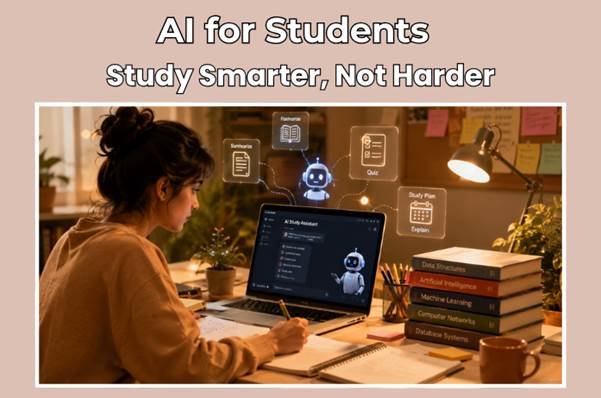
Our AI for Students guide explains how students can use AI as a learning assistant while continuing to think independently.
How Students Can Reduce Digital Choice Overload
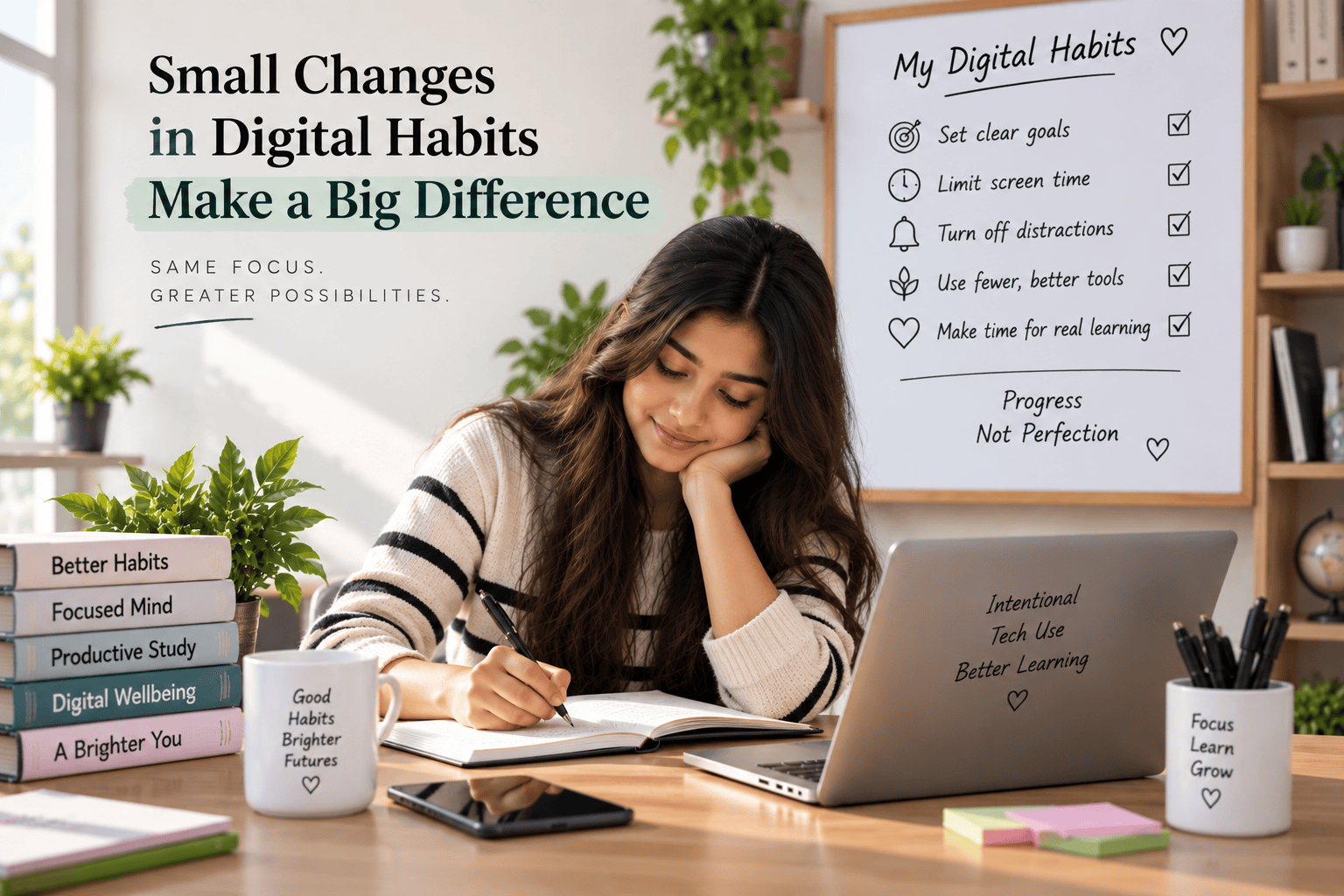
Reducing digital overload does not mean going completely offline.
It means becoming more selective.
1. Start With the Learning Goal
Do not start with:
“Which app should I use?”
Start with:
“What do I need to learn?”
Once the goal is clear, the appropriate tool becomes easier to identify.
2. Create a Small Core Toolkit
Students can create a personal “core toolkit” containing only the platforms they regularly use.
For example:
Study → Notes → Practice → Review
Each stage can have one primary digital solution.
There is no need to change the system every week.
3. Turn Off Non-Essential Notifications
Notifications compete for attention.
Disable unnecessary alerts from:
- Social media
- Shopping apps
- News apps
- Non-essential learning platforms
- Promotional emails
- Productivity applications
If a notification does not help the current learning task, it probably does not need immediate attention.
4. Use Technology for a Specific Time Block
Instead of opening a device without a clear plan, create a defined session.
For example:
45 minutes: Learn the concept
10 minutes: Break
25 minutes: Practice
10 minutes: Review mistakes
Technology should support the schedule rather than control it.
5. Stop Chasing the “Best” Tool
Students can spend hours reading lists of the “best AI tools,” “best study apps” and “best productivity systems.”
That research can become procrastination disguised as productivity.
If an existing tool works well enough, keep using it.
6. Review Your Tools Once a Month
Students can ask:
- Did I actually use this tool?
- Did it save time?
- Did it improve understanding?
- Did it help me practice?
- Did it create distractions?
- Can I remove it?
If a tool does not provide meaningful value, remove it.
What Teachers and Schools Can Do
This issue is not only a student responsibility.
Schools and teachers also influence the number of digital choices students face.
Instead of telling students to use five different platforms for one assignment, educators can create clearer technology policies.
For example:
One LMS → one submission method → one communication channel → optional support tools.
Clear expectations can reduce unnecessary confusion.
The latest OECD research also highlights that many teachers recognize digital resources can distract students from learning, reinforcing the importance of intentional technology use rather than technology for its own sake.
Schools should therefore evaluate educational technology based on learning outcomes, accessibility, privacy, teacher workload and student experience, not simply the number of features a platform offers.
A Simple Digital Learning Framework
Students, teachers and parents can use this five-question framework before adopting another educational tool:
1. What problem does it solve?
If there is no clear problem, skip it.
2. Does it improve learning?
A tool should contribute to understanding, practice, feedback, organization or accessibility.
3. Does it save more time than it consumes?
If learning becomes slower because of the tool, reconsider it.
4. Does it create distraction?
Look at notifications, social features, unnecessary browsing and frequent switching.
5. Can one existing tool do the same job?
If yes, another tool may not be necessary.
This approach turns technology selection into a learning decision rather than a technology-shopping exercise.
Technology Should Serve Students, Not the Other Way Around
The future of education will undoubtedly include more AI, digital platforms and connected learning environments.
The answer is not to reject those developments.
It is to become better at deciding when technology is useful and when it is unnecessary.
UNESCO’s education technology research makes a similar broader point: technology should be used according to educational objectives and learner needs, with human interaction remaining central to education.
That means the next stage of EdTech should not simply be about adding more.
It should be about better selection.
Students need tools that remove friction, not tools that create another layer of decisions.
They need digital environments that protect attention rather than constantly compete for it.
And they need the confidence to say:
“I don’t need another app. I need to focus.”
Conclusion
Better Learning Starts With Fewer Digital Decisions
Technology can make learning easier, but more tools do not always mean better results. Too many digital choices can lead to distraction, constant switching, and decision fatigue.
The solution is simple: choose tools with a clear purpose. Focus on learning goals, reduce notifications, and avoid switching between unnecessary platforms.
Students don’t need the most technology. They need the right technology, so they can spend less time managing tools and more time learning.
Looking for simple ways to use AI and technology for learning? Explore more helpful EdTech tips on EdTech Vibe.
FAQs
1. What is digital choice overload for students?
It happens when students have too many apps, tools, and online resources to choose from, making learning confusing and distracting.
2. Are too many educational apps bad for students?
Not always. But too many apps can create distractions and make studying harder. A few useful tools are often better.
3. How many digital tools should a student use?
There is no fixed number. Students should use only the tools they actually need for learning.
4. Does technology improve student learning?
Yes, when used wisely. The right technology can support learning, but too much screen time and poor use can cause distraction.
5. How can students avoid digital distractions?
Turn off unnecessary notifications, use fewer apps, set study time, and focus on one learning task at a time.
Authoritative external resources:
- UNESCO, Technology in Education: A Tool on Whose Terms?
- OECD, Students, Digital Devices and Success
- OECD, Managing Screen Time: How to Protect and Equip Students Against Distraction
About the Author
Divya writes about AI, EdTech, and the changing world of digital learning. She believes technology should make learning simpler, smarter, and more useful, not more complicated. Through practical, easy-to-understand content, she helps students and educators make better use of technology.